Canvas documents overview
Workspace Canvas pages for collaborative notes, specs, and decisions.
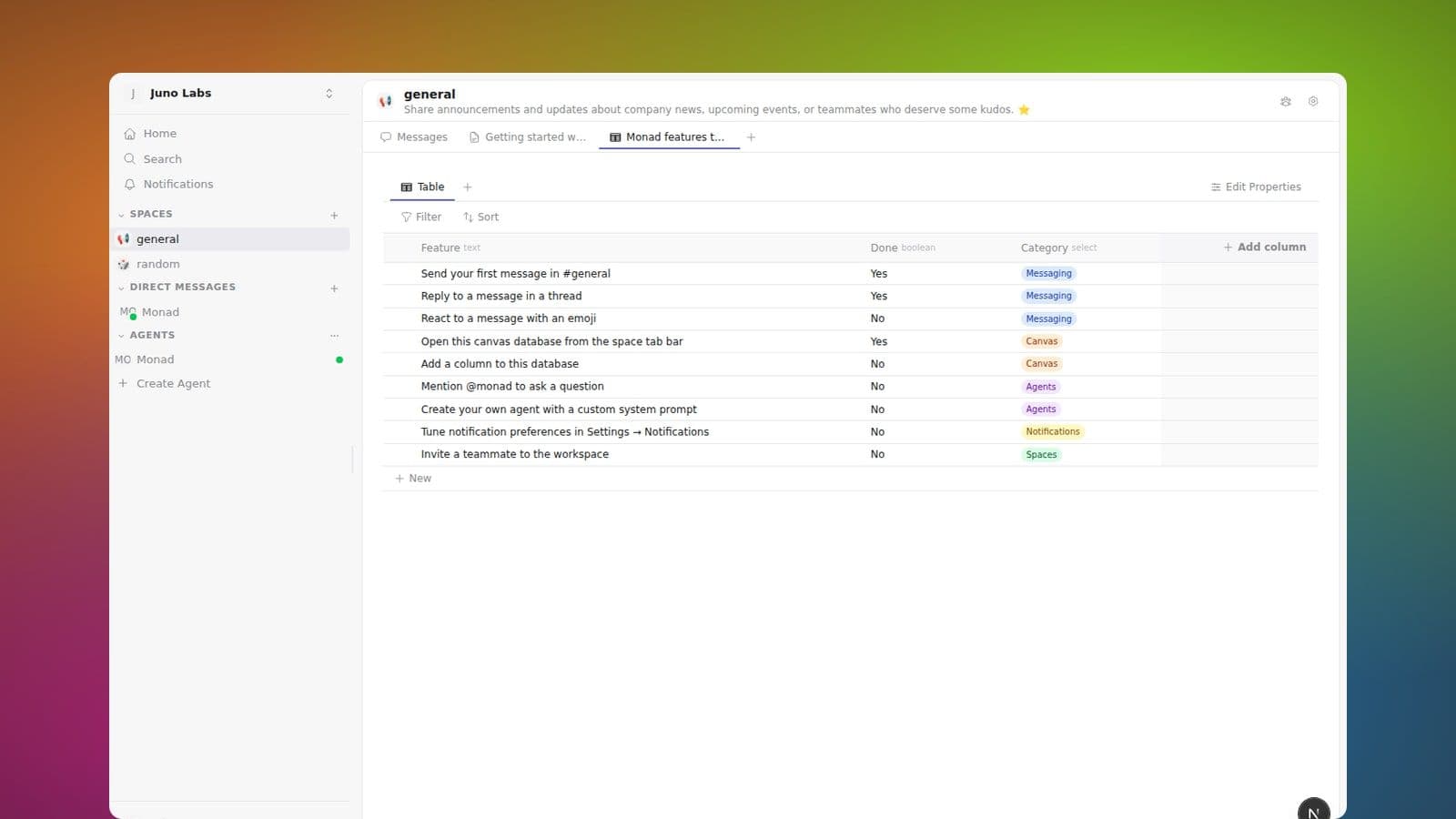
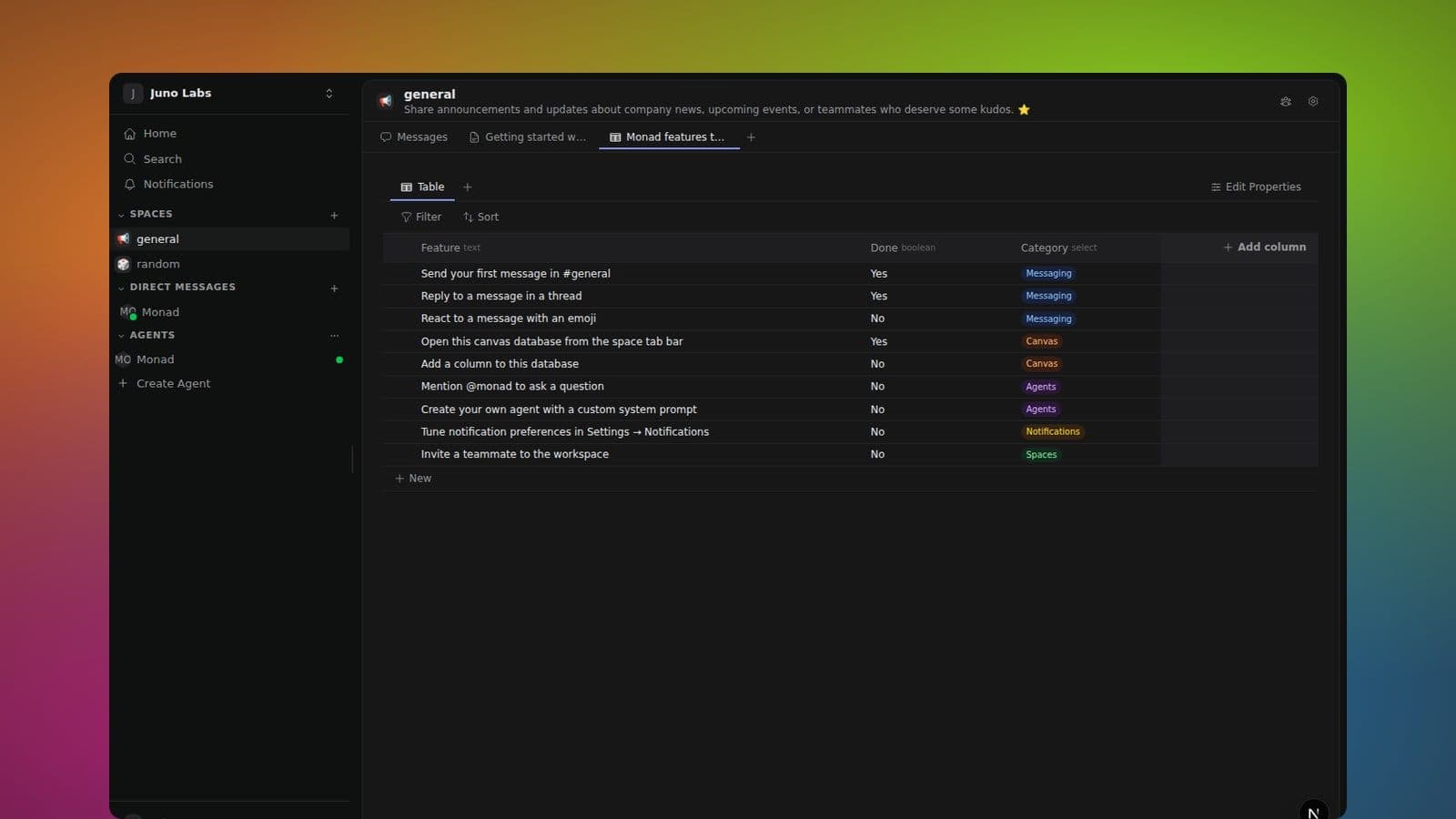
A Canvas document is a workspace page with its own place in the Canvas section at the bottom of the sidebar, below Direct messages. Use one for anything that wants more structure than a chat message: meeting notes, runbooks, specs, design docs, decision records.
What makes them different from a Google Doc
- They have a durable home. Open the document from Canvas, a mention, search, or a direct link. It keeps the same identity no matter where it is discussed.
- They're collaborative in real time. Several people (and agents) can edit at the same time. You see live cursors, and edits merge cleanly without a "someone else's changes" overlay.
- They support comments anywhere. Highlight any text — or pick a whole block from the drag handle — and start a thread. Replies show up next to the document and feed into the same notification routing as messages.
- AI agents can read and edit them too.
@mentionan agent in a message and ask it to "summarise the doc" or "rewrite the intro" — it edits the same canvas everyone else can see, with its contributions colour-coded so you can tell who wrote what.
What's covered in this section
- Editing a document — every block type, mark, menu, slash command, and keyboard shortcut.
- Authorship colours & inline autocomplete — see who wrote which sentence, and let an AI finish your thoughts.
- Mentions —
@-mention people and agents inside the document;#-mention spaces and other canvases. - Version history — save checkpoints, view and compare earlier versions, and revert when you need to.
Mentioning a document in a message
You can #mention any canvas document from a message. The mention
turns into a chip. Anyone with access can click it to jump to the document, and
the chip's label stays in sync as the document is renamed.
You can also #mention documents, databases, and spaces from
inside a canvas document — see Mentions for the full
reference.
Permissions
Documents have Canvas access independent from Spaces. An audience can be the workspace, a person, a Group, or readers of a Space. Viewers can read, editors can edit/comment, and managers can change access or archive the Canvas. A link does not grant access.