Library overview
Find the projects, decisions, clients, people, topics, and files that matter now.
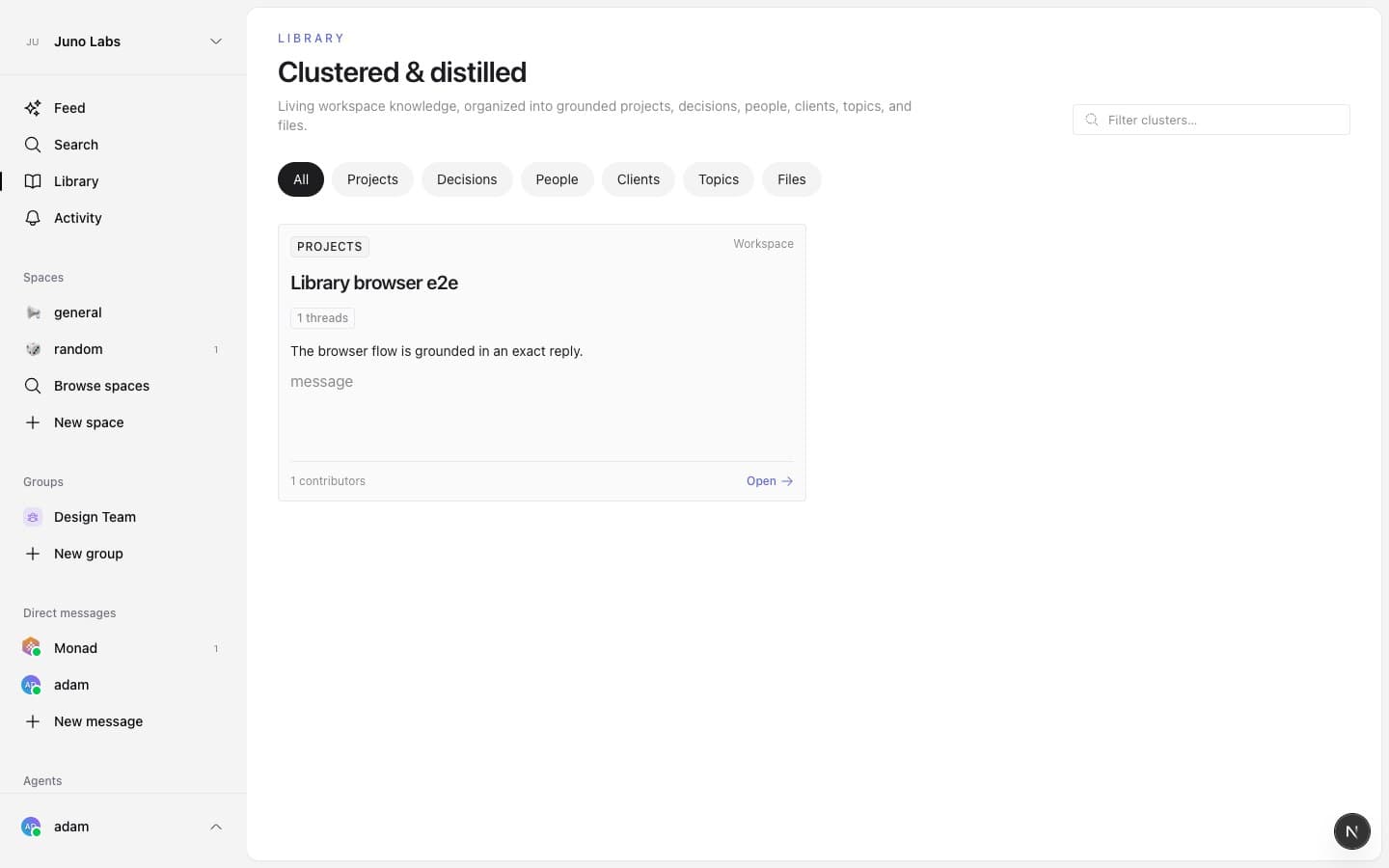
Library distills activity across your workspace into useful clusters. It is not a folder tree or a file dump. Each card is a living summary of a project, decision, client, person, topic, or file, grounded in the conversations and sources your team already has.
Open Library from the sidebar. It appears between Search and Activity.
Find a cluster
- Choose a type pill to focus on projects, decisions, people, clients, topics, or files.
- Type in Filter clusters to search titles and summaries.
- While Library is connecting to live updates, choose Load more to continue through the clusters you can access without refreshing the page.
- Use the audience badge to tell whether a cluster belongs to the whole workspace, a private space, a DM, or only you.
- Select Open to read the complete document.
Library fills itself in automatically. A new workspace may show generation progress before its first cards appear, and recently changed work may take a few minutes to settle into a document.
Private information stays private
Library documents keep the same audience as their sources. A private-space or DM source is never added to a workspace-wide document. Content from your personal Gmail connection stays visible only to you.
If access to a source is removed, Library removes the affected material and rebuilds the document for its remaining audience.
Keep up with a cluster
Open a cluster and choose Follow to keep it in your followed set. Following is always an explicit choice—contributing to related work does not follow a cluster automatically. Following does not grant access; if you later lose access to the source audience, the cluster and follow disappear for you too.